🐚 Installation step
- QParser Key: The key that use for login to website
- API KEY: The key that use for login to client
Step 1: Login to website
Step 1: Login to website
You need the key to login on the website, please check it on your MailboxAfter that visit https://qparser.cloud/login.php and you can paste your key on the input text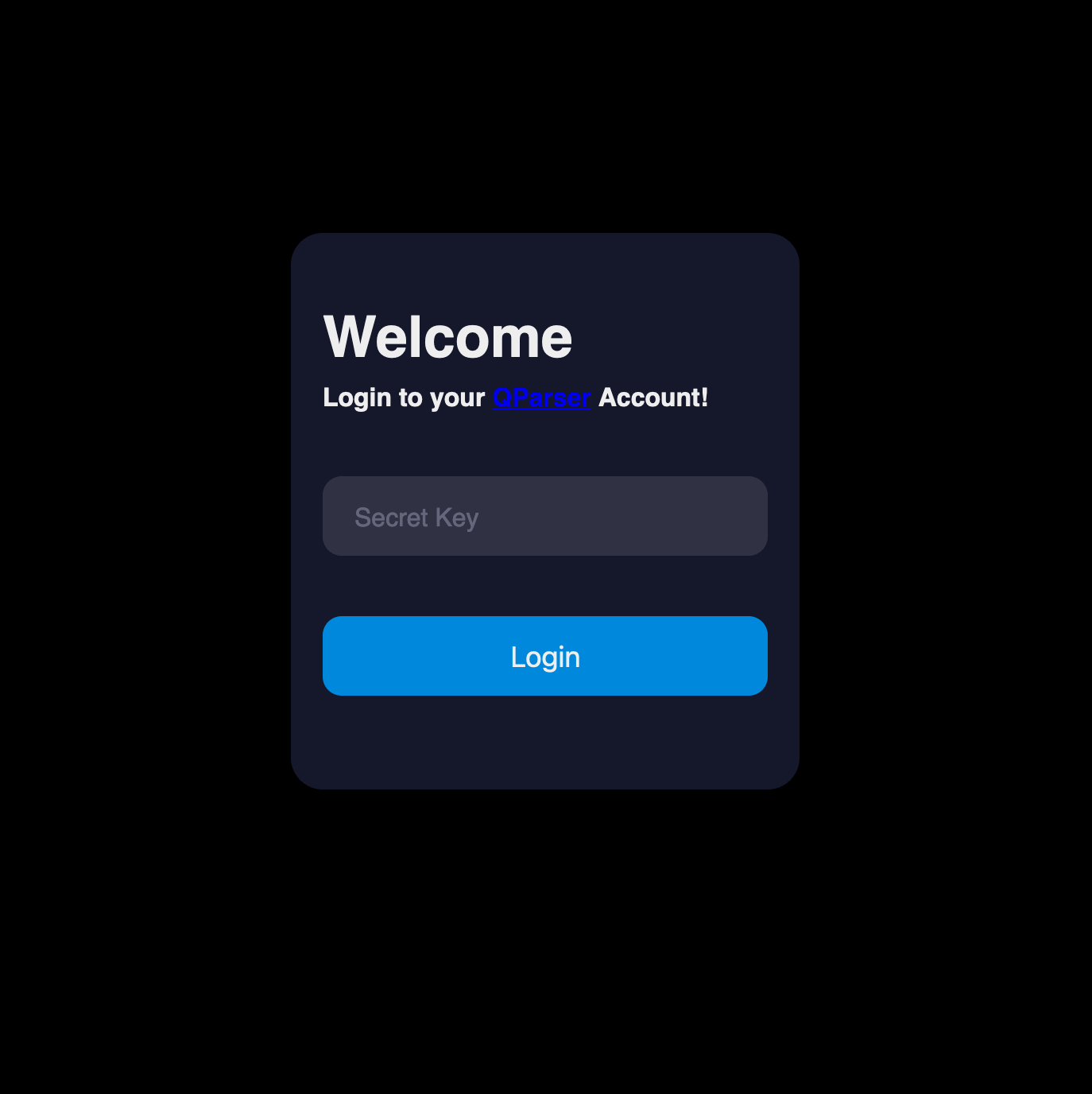
Step 2: Download the client and auth file
Step 2: Download the client and auth file
After you logged in to the dashboard, you will see there 2 button to download the client and auth file for automatic login.You can click both button to download the files
Step 3: Login to the client
Step 3: Login to the client
After you download both file, you can run the client.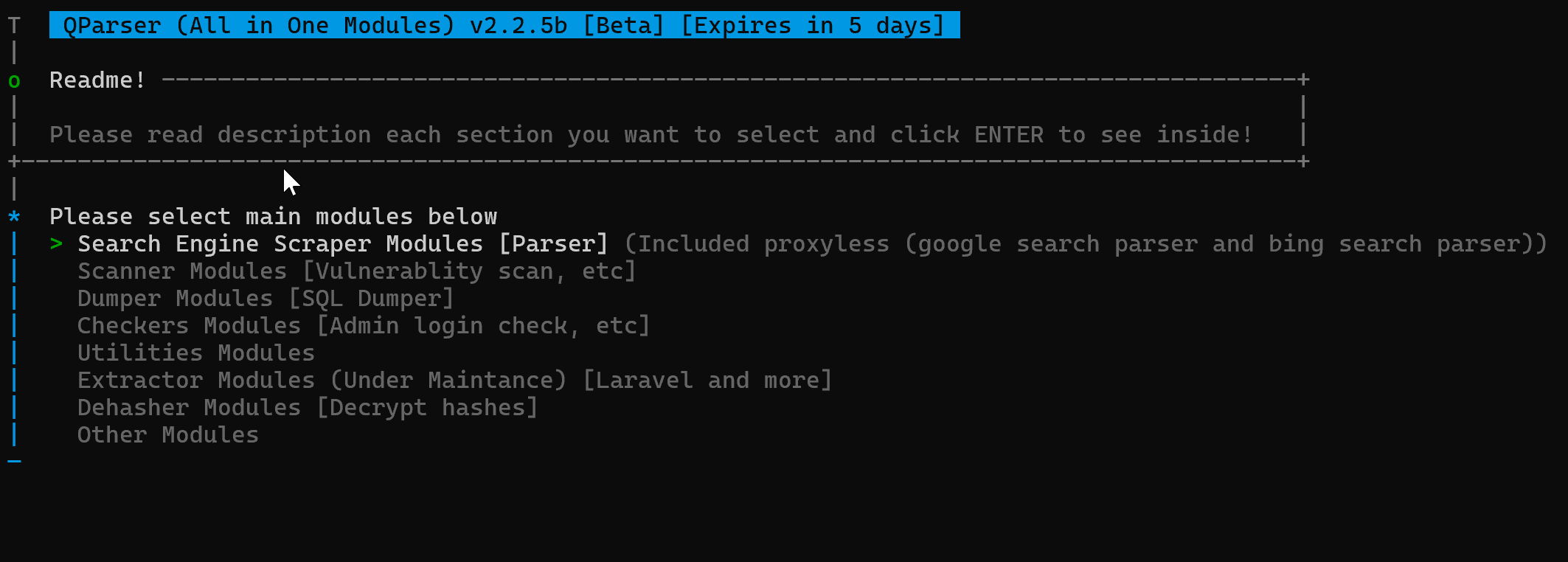
📜 QParser Knowledges
Modules
Insert content here